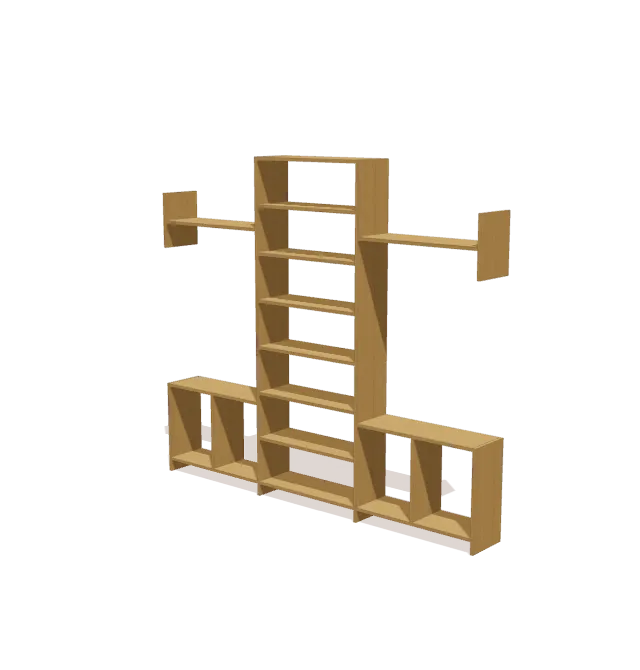
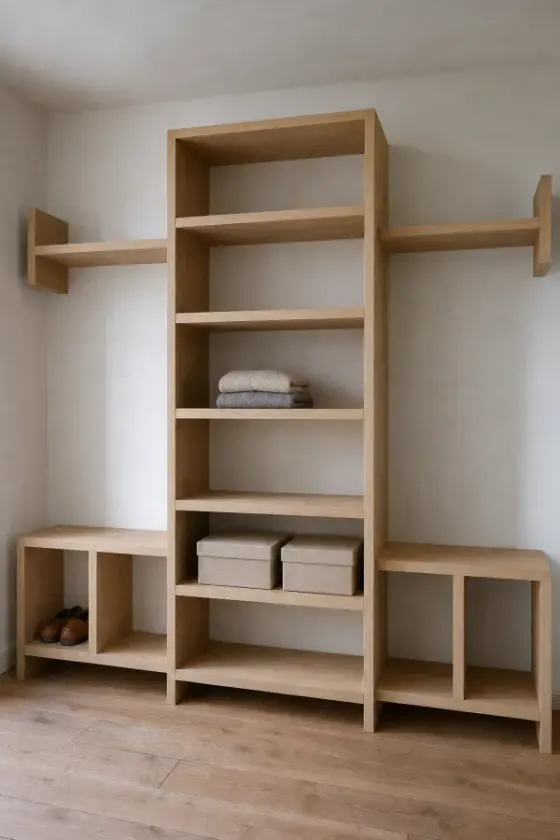
What you’ll build
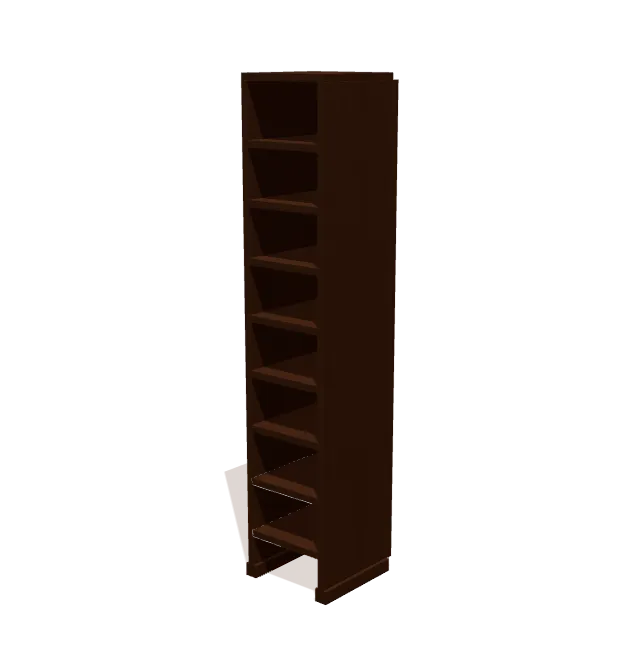
The tower is two 84″ 1x12 uprights with eight 30″ shelves. On each side, a 24″-tall unit (outer board, divider, bottom, and top) sits against the tower, and a 31½″ upper shelf spans between a 14″ side board and the tower.
Shopping list
Buy these boards. The list fits every cut onto standard lengths and leaves ⅛″ for each saw cut and ¼″ for trimming board ends.
| Lumber | Length | Qty |
|---|---|---|
| 1x12 | 8 ft | 8 |
Cut list
All 22 parts, grouped so you can cut matching pieces together. Exact lengths and end-cut angles for every part are in the free plan in the TimberLab app.
| Part | Lumber | Qty |
|---|---|---|
| Shelf / Top Panel | 1x12 | 8 |
| Shelf / Top Panel | 1x12 | 6 |
| Upright | 1x12 | 2 |
| Outer Upright | 1x12 | 2 |
| Divider | 1x12 | 2 |
| Upper Upright | 1x12 | 2 |
Tools
- Tape measure
- Pencil
- Speed square
- Eye & ear protection
- Drill
- Miter saw
- Clamps
- Sander
Step-by-step instructions
Assemble Central Tower Outer Frame
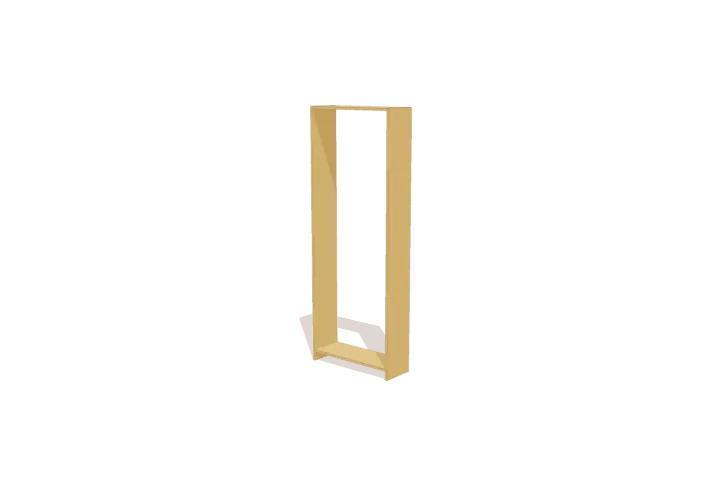
Lay the two 84-inch tower uprights flat on your work surface with inner edges facing inward. Position the 30-inch top board flush with the top ends and fit the 30-inch bottom shelf 3 inches up from the base, keeping all outer edges flush.
Fit Tower Lower Shelves
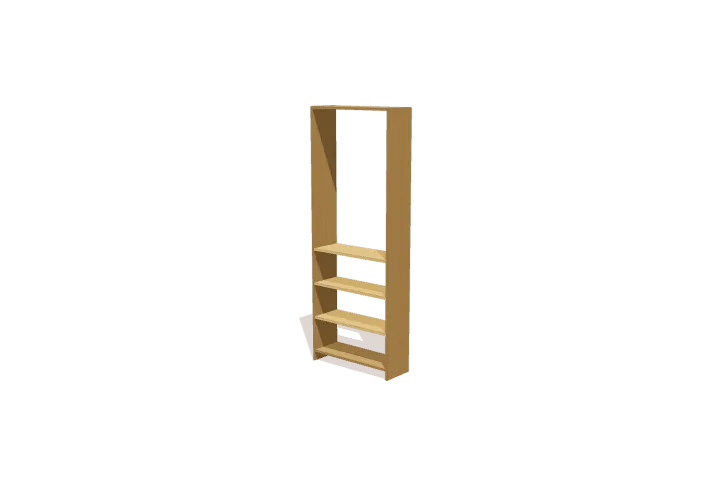
Slide the second, third, and fourth 30-inch shelves between the tower uprights at their marked elevations. Align all shelf front edges flush with the upright faces, checking for square before moving on.
Fit Tower Upper Shelves
Assemble Left Bench Unit
Assemble Right Bench Unit
Install Left Upper Shelf
Install Right Upper Shelf
Get the full plan: all 7 steps and every cut length.
Download TimberLab and open Closet organizer in the catalog to get every cut length and end-cut angle, all 7 assembly steps in 3D, and Timbo, the AI build helper. Catalog plans are free to open; some features, such as AI edits, require a subscription.


Tall, narrow furniture can tip over. Anchor it to a wall stud with an anti-tip kit, especially in homes with children, and keep heavy items on the lower shelves.
Change the size or design
This plan is one of the projects in the TimberLab app’s catalog. In the app you can turn the model in 3D, follow the assembly steps one part at a time, and ask for changes in plain words, such as “make it 6 inches shorter” or “add a shelf”. The cut list and shopping list update to match the new design.
Questions about this plan
How much lumber do I need to build this closet organizer?
The shopping list calls for 8 × 1x12 at 8 ft. It groups every cut onto standard board lengths and leaves room for saw cuts and trimming the board ends.
How big is the finished closet organizer?
It is 96″ wide, 84″ tall, and 11 ¼″ deep.
What tools do I need?
You need a tape measure, pencil, speed square, eye & ear protection, drill, miter saw, clamps, sander.
Can I change the size of this closet organizer?
Yes. Open the closet organizer in the TimberLab app and describe the change in plain words, such as “make it 6 inches shorter”. The 3D model, cut list, and shopping list update together.
Where can I get the full closet organizer plan?
The full plan, with every cut length and all 7 assembly steps in 3D, is free in the TimberLab app. Download TimberLab on the App Store and open the closet organizer in its catalog.